tutorial made by selenapastel. if something here was useful for you like or rebog the post, it’s very important. any doubt send me an ask, and then i’ll help you.
I know I’ve seen a few posts like this already on tumblr but I’m going to just explain what I’ve learned over the years about gifs and making them quality.
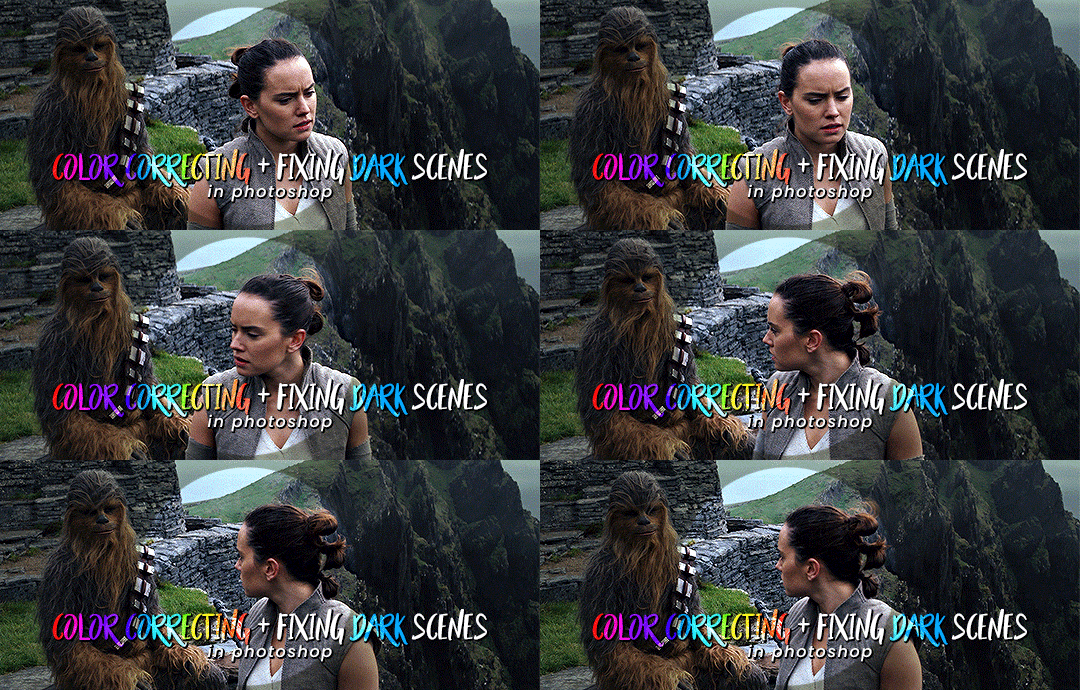
Here’s how to brighten up / fix dark scenes using a nifty curves trick! I use this technique almost every time I gif something and it helps to both brighten the scene AND get rid of any weird color filters in movies/shows (like the dark, yellowy look that’s sometimes seen in Star Wars: The Last Jedi like in the gif above).
A lot of people have been asking me how I make overlay gifs. I’ve tried to explain as best as I could but I am one to admit that i’m very shit at explaining and teaching things, so sorry if I completely mess this up. I have pictures though!
Difficulty: Medium? You need to have some basic gif making skills for this. Program: Photoshop CS5 Feel free to ask questions if you don’t understand something.







 life is not a song