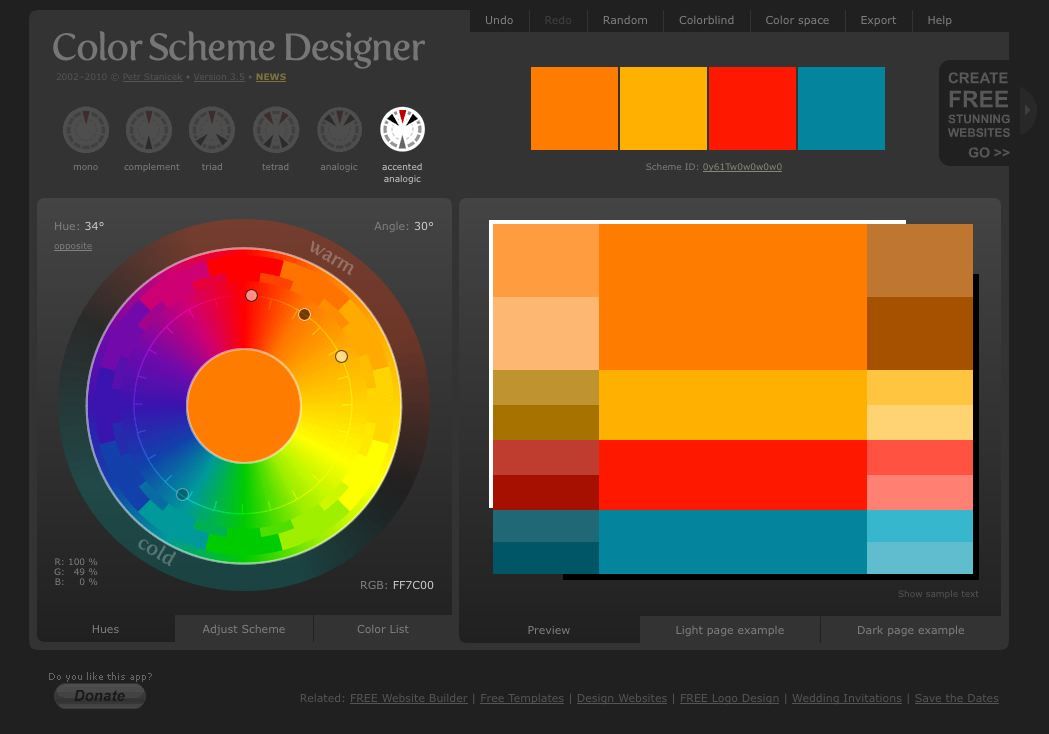
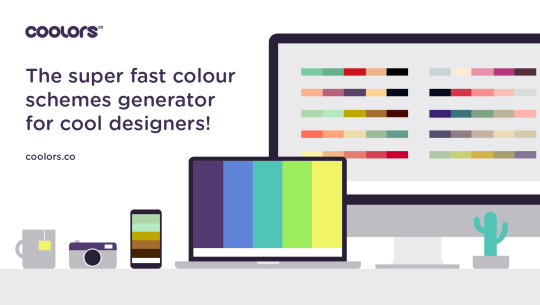
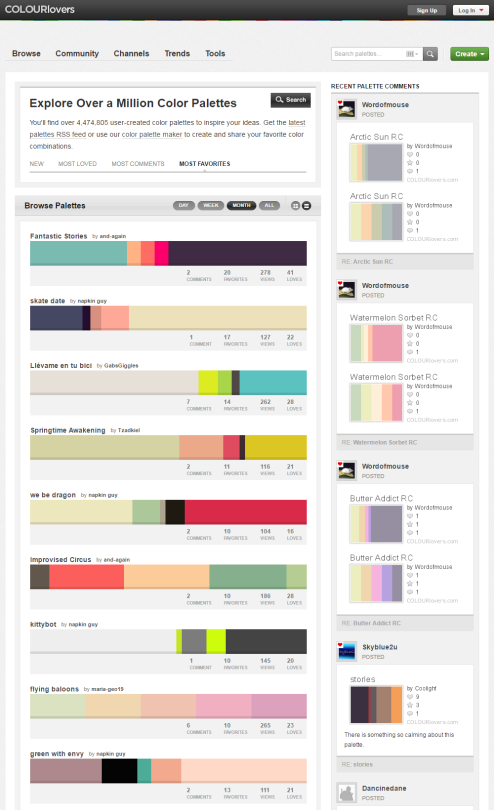
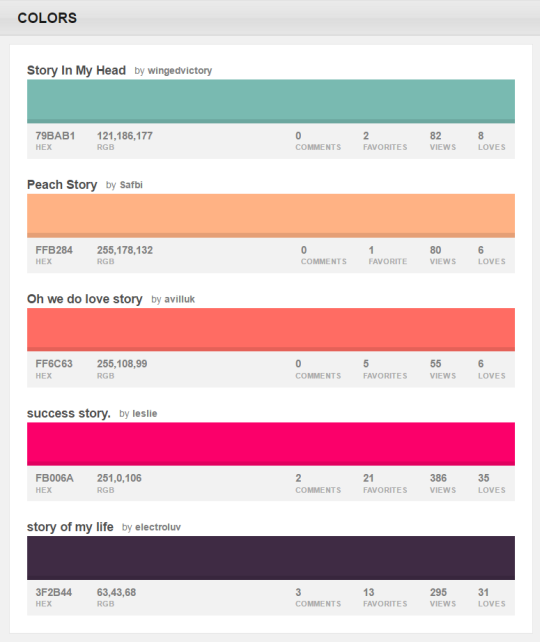
You can browse the most popular ones or search for certain colors, themes, and even specific hex codes!
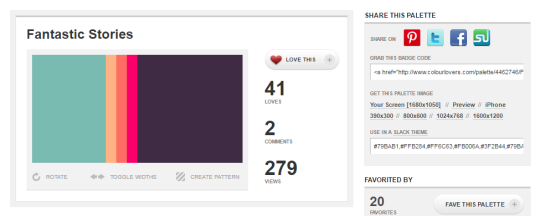
When you find one you like, you can download a wallpaper swatch of it and also select the specific colors it uses to look at more palettes that use those same ones.
Hey fellow creators! So, as some folks may have recently become aware, Tumblr posts with external links don’t show up in relevant tags (as detailed in this post). IE, if you post a Steven Universe picture and tag it “Steven Universe” and there’s an external link in the post, it won’t actually show up in the “Steven Universe” tag! This is very frustrating! What if I make a post and want to link to my Twitter in the description? What if I want to link people to my online store when I post a piece of art? What if I want to link to a YouTube video and still have it show up under the relevant tags I put into the post?
Hold on to your butts kids cuz here’s how we cheat the system.
—
The thing about Tumblr’s Anti-Linking nonsense works is that it only blocks external links. Internal links are fine. So if you wanted to post a link to another Tumblr post, or someone’s Tumblr blog, you’re good. But if you wanted to link to your Twitter page or something, you’re screwed. So, all we gotta do is make your external link into a Tumblr link. Sounds weird. I know. But here’s how it works.
First, go to your Tumblr blog. Hit the “Edit Theme” tab.
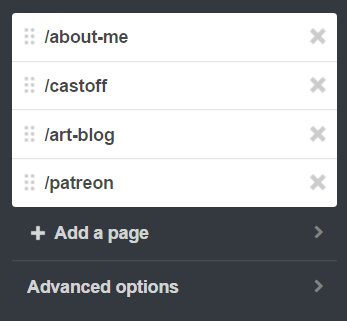
In the theme editor sidebar, scroll all the way to the bottom, the “Page” section. (Here’s what mine looks like- I already have a few of these set up)
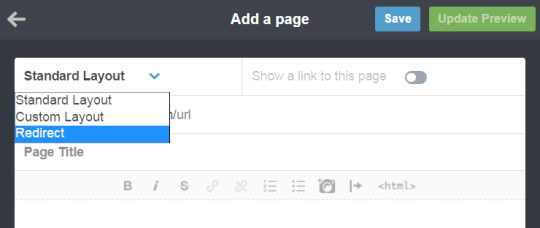
Hit “Add a Page”, and this window will pop up. By default it’s set to be a Standard Page. Hit the dropdown and select “redirect”.
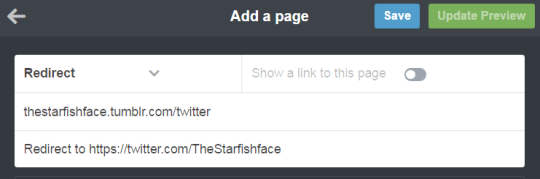
For this example, let’s say I want to link to my Twitter page. I’ll name the page “Twitter” (this is what the redirect URL will end up being- IE yourblogname.tumblr.com/Twitter), and insert my Twitter URL under the “Redirect To” tab. Leave “Show a link to this page” turned off. (Unless you want the link to show up on your blog, in which case, turn it on. Do what you want, I’m not your mom)
Hit “Save”, and your new page should now show up on your Page list!
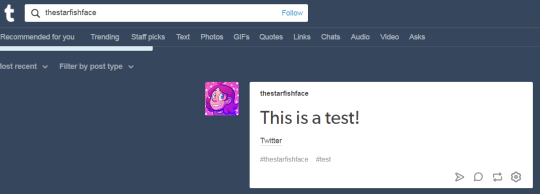
And done! So now, let’s say I wanted to use the new link in the text portion of a post. Simply use the Tumblr redirect link instead of the direct URL! As a test, I linked to my Twitter in a test post, using the redirect link instead of the direct link, and there it is in the tag! Success!
I recommend making a Redirect Page for any external links you’ll be using frequently. I like to post links to my webcomic/Twitter in posts fairly often, but doing that made me take a pretty big hit since my posts wouldn’t show up in tags. With this method, I can keep the external links, and have stuff show up when I tag it! Workarounds are fun!
Hello everyone! A time ago I post one photoshop cc 2017, but he’s work only in windows 8 above, even so I have one photoshop cc 2017 for 32 bits!
I hope you like it, please like or reblog if you take, i love you guys 🙂 If you have one problem search me in my askbox. This photoshop it’s cracked and working naturally.
Q U E S T I O N S :
How to install? After you unzip the file, look for the file named Photoshop that have the ps icon, then right-click Run as Administrator.
Contains timeline? Yes.
What is an extended version? The extended version contains all the photoshop tools, and may be a little heavier than normal.
I hit 11k a while ago!!! I didn’t know what to do for the celebration but I decided to make some doodles for y’all! (good for mostly icons but edits etc too) I just have to say that I am so grateful to all of you for following me ilysm!! I hope you enjoy the lil’ doodles! xx
★ Do not repost them or upload seperately and don’t claim as your own
★ No credit needed but very much appreciated
★ Please like or reblog if you use
★ Find them [HERE]
INK OVERLAY GIF PACK gifs for you to use in your overlays, graphics or backgrounds – or just as they are! please like or reblog if you intend to use – many thanks… Octomoosey ❤
& thats aboUT IT! those r my recs for design & stuff(^▽^●)hopefully i get to post my other mp about tips in graphic design! i hope everyone benefits from this mp (not just aspiring graphic designers/artists!!) & good luck to everyone! take care & happy designing! (*・∀<*)














 life is not a song